Kukarella

Make the audio your listeners need

Describe a conversation — the language, the level, who speaks. You get the script, the speakers and their voices, ready to play. No account needed to try.

Three requests without an account. A free account gives you ten.

3 requests without an account. 10 with one.

MADE WITH KUKARELLA FROM ONE SENTENCE

“Write a phone conversation between a customer whose delivery is three days late and a support agent, about eight exchanges.”

It became ‘A customer calls about a late delivery’ — a phone call in two voices, nine lines.

The assistant wrote this and chose the voices. The accent is your choice: English comes in 14 accents, Spanish in 23. Change a speaker’s voice and every line of that speaker follows.


Trusted by creators from

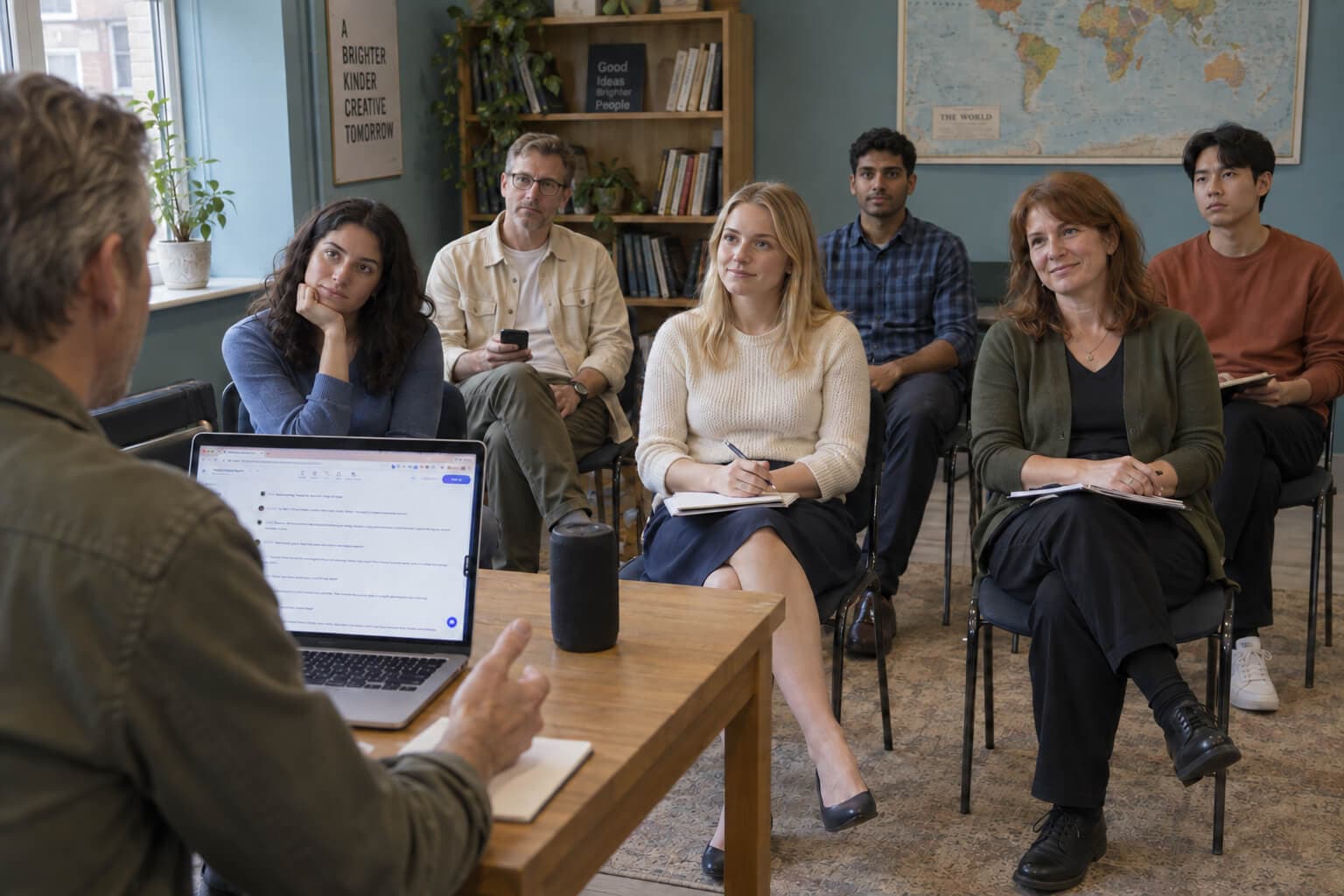
For people who teach, train and inform

A white graduation cap sits in a blue circle.

For Educators

Save lesson-prep time and captivate your classroom. Turn dense material into engaging audio tutorials and discussions that students actually listen to. Boost accessibility and improve retention, effortlessly

A white briefcase sits in a blue circle.

For Businesses

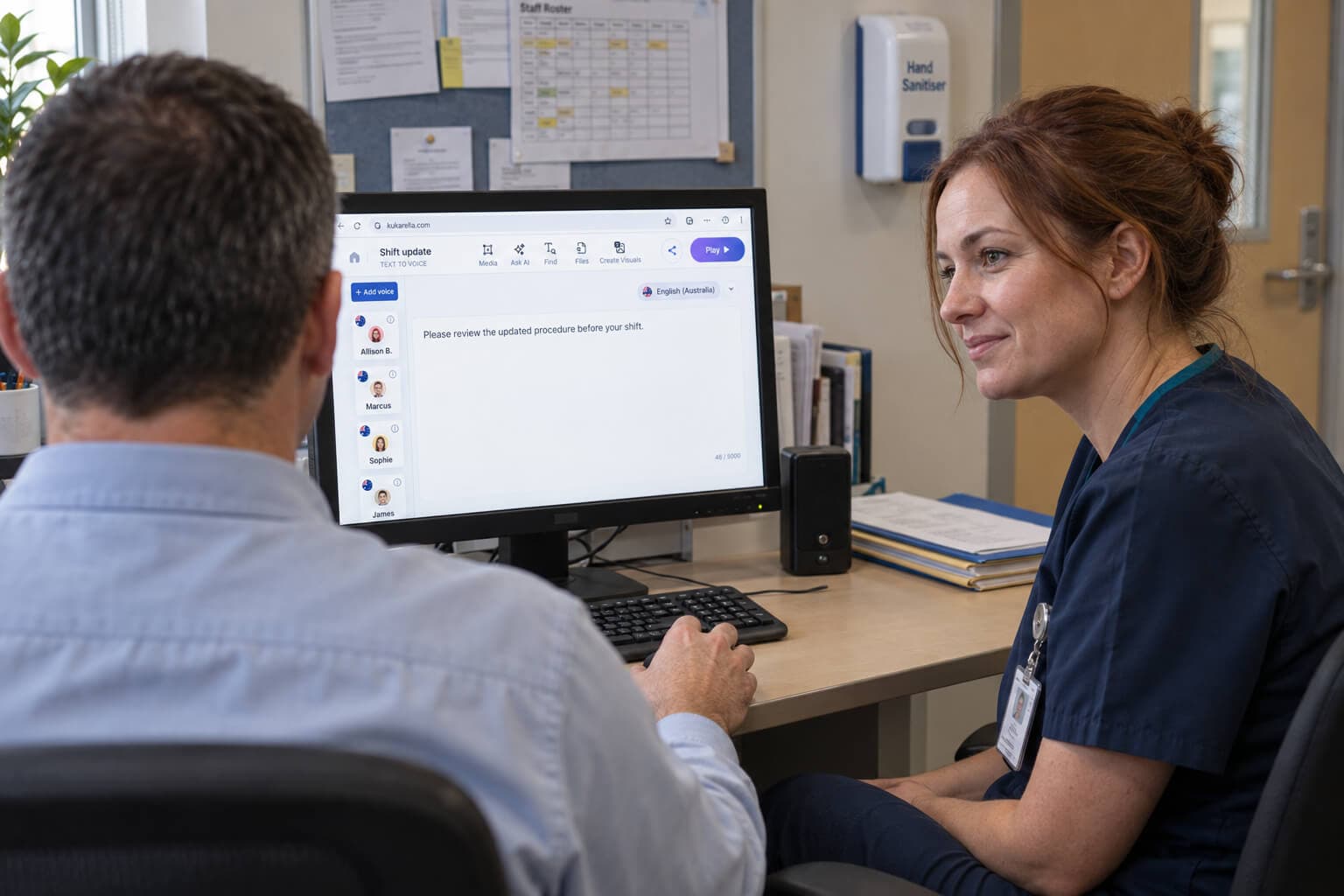
Cut training costs and onboard new hires faster. Create perfectly consistent training modules, IVR prompts, and customer service dialogues in minutes. Scale your communications without scaling your team

A white feather and sparkle sit in a blue circle.

For Creators

Multiply your content, not your workload. Instantly turn scripts and articles into vivid, Podcast-ready audio. Go from a single blog post to a professional-grade audio experience in minutes, not days

A white megaphone sits in a blue circle.

For Marketers

Create audio ads that actually convert. Generate compelling product narratives and test multiple ad variations in minutes. Launch global campaigns with multilingual content to drive sales and expand your reach

Why people who teach choose Kukarella

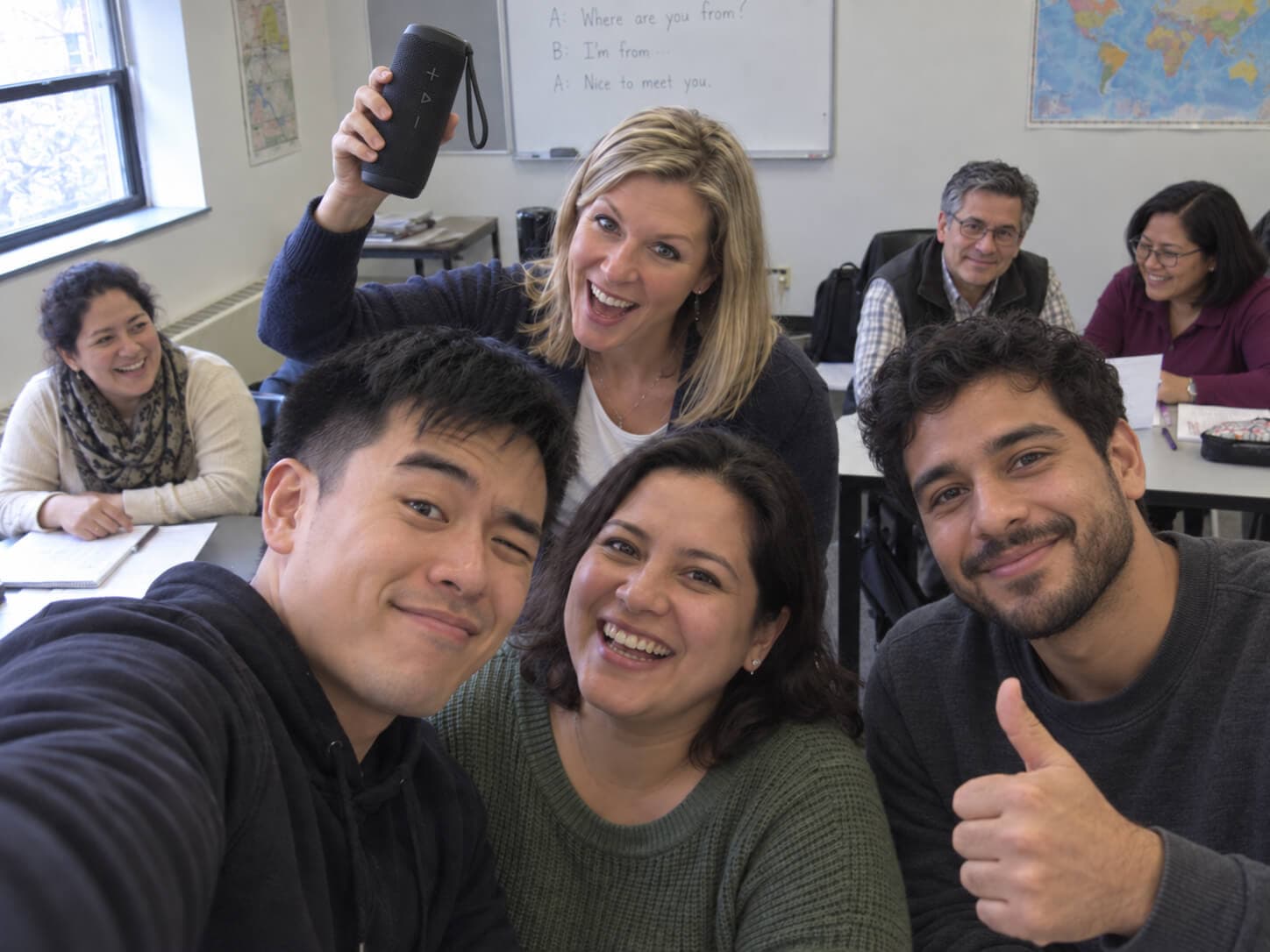
Whether you teach a language, build a course, or train your own team.

Two people speak into hanging microphones.

A conversation for the situation they will face.

Your course book’s audio was recorded for another class, at a level that fits some of your learners and not the rest. Describe the situation instead: a hotel check-in, a job interview, an angry customer. In about 30 seconds you have a conversation with named speakers, each with a voice, at the level you asked for.

A person speaks into a standing microphone.

Not “Spanish”. The Spanish they will hear.

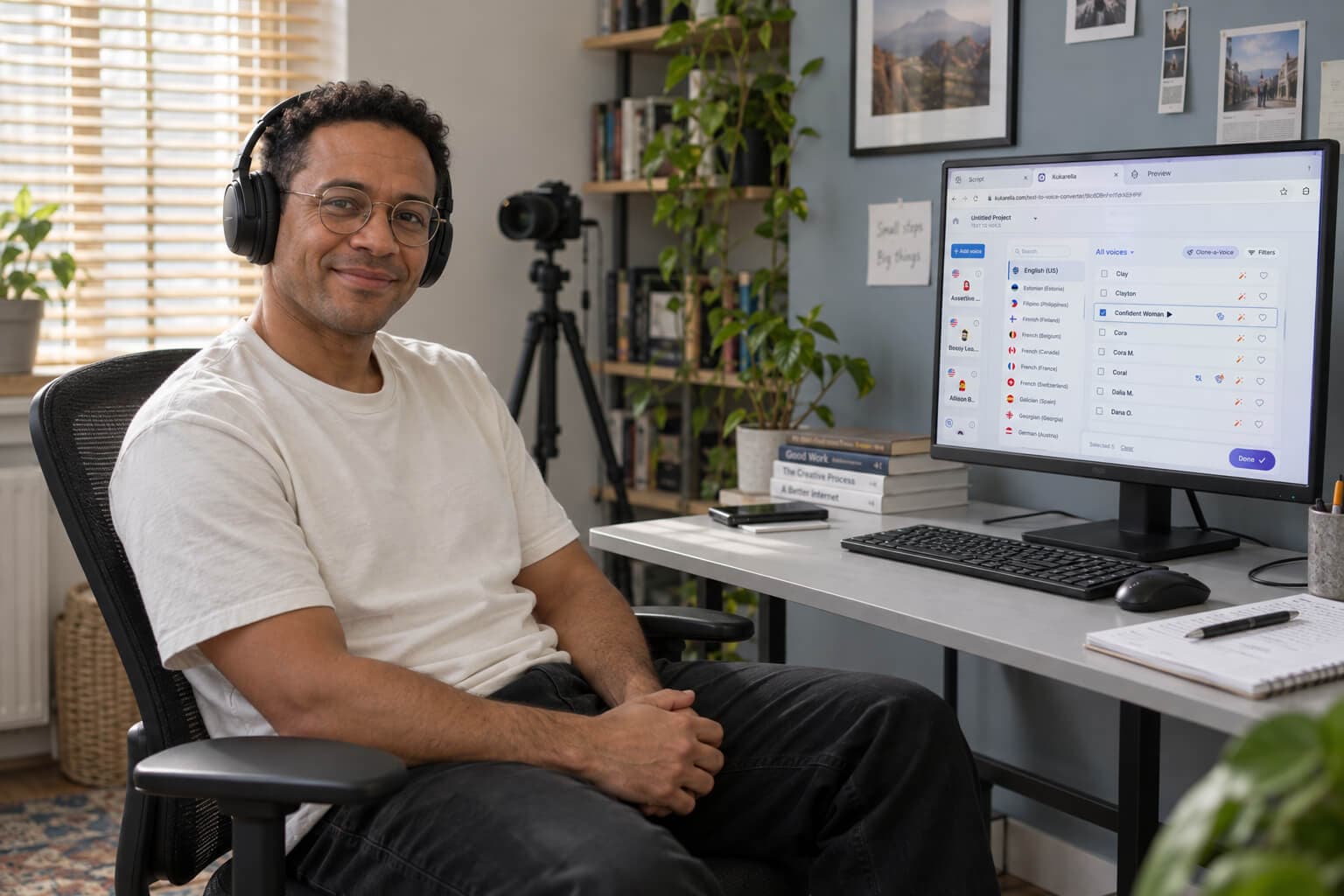
An AI voice that sounds wrong is usually a multilingual voice reading a language that is not its own. Native voices speak one language, in the regional accent you choose: English in 14 accents, Spanish in 23, native voices for Canadian French. There are 2,000+ voices in 152 languages and accents, and every one plays a sample before you decide.

A person works at a laptop with headphones nearby.

Ready for the lesson you already build.

One listening task used to need four windows: the script, a free reader, an audio editor, the worksheet. Here the audio comes out paragraph by paragraph, so each part goes into your slide, your worksheet or your course module on its own. Change one paragraph and only that paragraph is voiced again.

A person reaches out of a picture frame toward stars.

A picture, when the lesson needs one.

A dialogue at the market is easier to follow with the market in view, and stock photos never quite match the scene. From any project, ask for an image or a short silent clip and it is made from your own text. Or show the assistant a photograph, and it writes the narration from what it sees.

For teams that train their own people

Train your team in the voice they know.

Four things worth knowing before you voice a whole course.

One voice carries the whole course

Pick a voice once and every module, role-play and correction is read by the same person. If that voice ever leaves the library — it is rare, and it is another company that makes it — send us recordings you made with it and we clone it back for everyone.

The assistant will not pick the accent for you

It writes the words well, but it casts from voices that read any language and does not look at what language your text is in. Choose a native voice in the variety your people actually speak, and every line of that speaker follows.

Hear your acronyms and numbers once

How a voice reads a row of letters or a phone number belongs to that voice, and two voices from the same company can differ. Try yours on one line before you make forty files. Where it still gets it wrong, space the letters out or split the digits.

It lands where you already build

Audio comes out paragraph by paragraph, so each part drops into the course tool you use, and changing one paragraph re-voices only that paragraph. Colleagues open the same project; one person edits at a time.

Watch a lesson get its audio

One request becomes a conversation with named speakers and their voices. A speaker is switched to a native voice, and every line follows. Then the audio is downloaded paragraph by paragraph for the lesson.

Preview image for Watch a lesson get its audio

What changes in your week

You stop being the only voice

One lesson can have two or three speakers, each with a different voice. Your learners practise on somebody other than you, in the language they are learning.

You make it on the day you need it

Type the situation, the language and the level. The script comes back written and cast, and the audio plays a few seconds later. Nothing to record.

It sounds the same every time

Choose a voice once and keep it. Every lesson, every module and every correction is read by the same person, so nothing sounds patched together.

An afternoon’s work, in any language you need. No voice to book, and no new course book to buy.

Try it on something you need this week.

Each one opens the assistant for that app. No account and no card needed.

Your learners hear more than just you.

There are hundreds of these tools now. We have been building this one since 2019, and most of what works in it came from customers telling us what was missing.

Frequently Asked Questions

Yes. Ask for a dialogue or a narration in the box at the top of this page and hear the result. A free account adds credits and saves the projects you make after signing up.

Every voice in the library, commercial rights for the audio you make, credits every month that roll over while you stay, and one or two cloned voices a month. Prime Lite, Prime and Prime Plus differ in how many credits they give, not in which voices they open.

Turning text into audio costs one credit for a character, spaces included. Writing and editing the text is free, and making the same text again with the same voice costs nothing. Asking the assistant to write for you does cost credits, roughly one for every five characters it reads and writes. One minute of a recording costs one credit when it becomes text. An image costs 2 visuals and a short clip 20. A voice you cloned yourself costs three credits a character.

Subscription credits roll over month to month while you stay on a paid plan. Top-up credits never expire. If you move to the free plan, the credits left from your paid plan stay usable for 30 days and then go. Your top-up credits stay.

No. Your projects stay in your account and nothing is deleted. Audio you have already downloaded is yours to keep. Commercial rights end when the paid plan ends.

Take a plan for one month and you have everything it gives for that month. A plan does not stop by itself, so cancel it before the month ends if one month is all you need. A top-up adds credits only; it opens no voices.

In your Profile, yourself, at any time. Your plan keeps working until the end of the time you have already paid for, and you can turn it back on before then. Need an invoice? Take it from Stripe or write to support@kukarella.com.

Ask for your money back within 15 days of your first payment. Write to support@kukarella.com and we process the refund within one business day.

All major credit and debit cards through Stripe, plus Apple Pay and Google Pay where they are supported.

Your plan stops and a 30-day countdown starts. The credits left in your account stay usable in that time. Fix the payment inside the 30 days and your plan comes back with those credits still there.

It picks from the same fixed set of 22 voices for everyone, on every plan. Those voices read any language, and the language of your script does not change which of them it can pick. So a Spanish dialogue can open on a voice with an American accent. Change it yourself: give a speaker a native voice and every line of that speaker follows.

A multilingual voice was reading it. Those voices read many languages with one fixed accent, so the stress and some sounds come out wrong. Change the speaker to a native Spanish voice and pick the country you want.

Yes. Name the level — CEFR A1 to C2, HSK, JLPT, TOPIK, or simply “beginner”. Name an exam and you get its shape: IELTS, TOEFL iBT, TOEIC, DELE, DELF, Goethe. Ask in the language you teach and you get that language.

Yes. Every app has two ways in: the assistant, or your own text with your own voices. Nothing the assistant makes is locked either. Change any word, any voice, any speaker, and add or remove speakers.

Every voice in the library is made by another company. If that company stops offering the voice, it can leave our library too. This is rare. If it happens, send us a few recordings you made with that voice. We can make a clone of it and add it to the library for everyone.

Yes. A dialogue has a view link that plays without an account. To work with colleagues, invite up to 10 people by email as editors or viewers; one person edits at a time. To hand out the audio itself, download the MP3.

Audio as MP3 or WAV, as one file or split paragraph by paragraph. Your script as TXT or DOC. A transcript as DOC, PDF, TXT, or as SRT subtitles. For a phone system, an 8 kHz WAV.

Yes. Audio and video files, images with text and web pages come back as text you can edit, and the assistant can summarise or rewrite it there. Then give that text a voice, or turn it into a conversation.

On a paid plan you can clone it: from a recording, from speech recorded in your browser, or from a written description. A cloned voice costs three credits a character instead of one. One honest warning: learners who know your voice hear the difference, and a voice that is plainly not you often works better in a lesson.

Almost certainly — 2,000+ voices across 152 languages and accents. Dutch, Turkish, Finnish, Vietnamese, Arabic, Japanese, Korean and Chinese are all there. Some languages also let you pick the country: English has 14 accents, Spanish 23, Arabic 16, Chinese 3. Every voice plays a sample, with or without an account — the padlock stops you using a voice, not hearing it.

Yes. You can put pauses where a class needs time to answer, and add effects to a scene. The controls differ from voice to voice, so use what the voice you chose offers.

No. Kukarella has no public or developer API — everything happens inside the app.

Ask us directly. The chat is the message icon in the bottom-right corner of the site, or write to support@kukarella.com.

Yes, on any paid plan. All the audio you make is royalty-free and you can use it anywhere in the world, including in work you sell, as long as you hold the rights to the text you turn into speech. Free-plan audio is for personal use only.

You own 100% of your voiceovers, dialogues, transcripts and projects. Kukarella claims no rights over them.

You keep the rights you already hold. The Terms take only the licence we need to run the service and improve it. They do not let us sell your material or exploit it.

Only with that person’s clear permission. Do not use a clone to impersonate anyone or to mislead people. The Terms of Use set out what is allowed.

On Google Cloud. It travels between you and Kukarella over a secure HTTPS connection.

Your files stay while your account is open. They go only if you delete them, or if you use more storage than your plan gives you. We use them only to run and improve Kukarella.

Delete any project whenever you want, and its earlier saved versions go with it. To remove your account and its data, write to support@kukarella.com and we erase it within 90 days. One exception: a voice you cloned is also held by the company that makes the voice, and they control that copy.

Read our Privacy Policy and Terms of Use. Kukarella is a Canadian company based in Kelowna, British Columbia. If your organisation has requirements of its own, write to support@kukarella.com and we will answer them.

Want some free credits?

Receive bonus characters and minutes when you create a Free account on Kukarella!

No credit card is needed

Want some free credits?

Receive bonus characters and minutes when you create a Free account on Kukarella!

No credit card is needed